Customer requirements
Keep contact details, service addresses, notes, preferred days and time requirements available where bookings are planned.
Product features
RouteRoster connects customer bookings, recurring patterns, staff availability and operational information in one workspace. Use the scheduling foundation on its own, or add route optimisation when your team travels.
Scheduling foundation
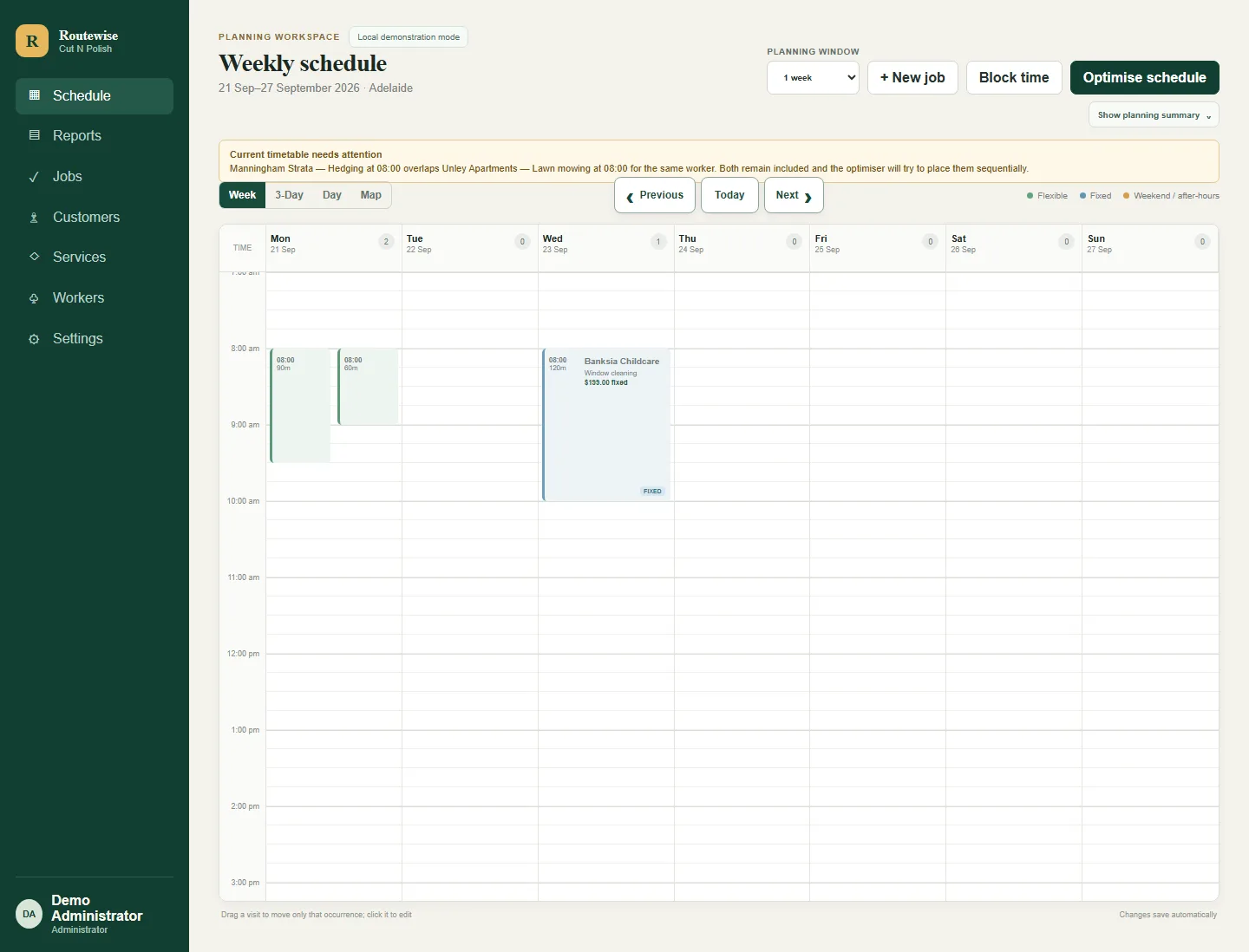
Create repeat patterns, keep fixed commitments visible and adjust a single occurrence without losing the history or future rhythm of the work.
Core capabilities
Keep contact details, service addresses, notes, preferred days and time requirements available where bookings are planned.
Assign work, define normal hours and record unavailable time for an individual Worker or the whole business.
Configure scheduled email reminders and controlled consent-based SMS where the corresponding service is enabled.
Calculate a route-aware proposal across Workers and days, then review Current and Proposed plans before publishing.
Explore routing →Start with a Common Question to review operational attention, planned workload, recurring work and estimated value according to your role.
Explore reporting →Use Administrator, Scheduler and Worker roles so each person sees the appropriate parts of RouteRoster. The Scheduler role is designed for managers and office staff coordinating daily work.
Reporting Views and Common Questions
Choose a curated reporting view, then adjust the normal date range and filters to explore further. These are practical starting points over RouteRoster reports—not AI-generated answers or automatic business decisions.
What needs attention today? What is still outstanding this week? Keep current and upcoming work in view.
Which bookings have no Worker assigned? Review booking overlaps, blocked time and reminder problems that need a person to investigate.
Who has spare capacity? Review planned workload against configured Worker hours and unavailable time.
Which customers have the most booked hours? See booking and service mix without treating planned time as time worked.
What recurring work is coming in the next 30 days? Review future demand and potential coverage gaps as scheduling diagnostics, not missed-service verdicts.
What is upcoming scheduled work estimated to be worth? Use recorded scheduling prices for planning, not as invoices, payments or revenue.
Which schedules need review? Check route and schedule status alongside the bookings your mobile team already manages. A timetable gap means time between bookings, not a measured saving or inefficiency.
Administrators and Schedulers can use authorised management views. Workers see role-appropriate own-work reporting. Financial information is permission-gated, and some views require the relevant business feature or data.
When work moves
Fixed appointments, customer time requirements, Worker hours, blocked time, service duration and daily capacity all remain part of the planning problem.
The live schedule stays unchanged until an authorised person chooses to publish the proposal.
See the complete route story30-day free trial
No credit card. Up to five Workers, 100 submitted reminder emails and 20 provider-accepted SMS segments. If you enable route optimisation, the trial also includes 50 optimised appointments.